Property inspections
Document conditions, room by room and elevation by elevation.
 Frame & Fileby Tenon Desk

Field documentation for iPhone and Android
Turn site photos into organized, editable records and clear reports, right from the field.
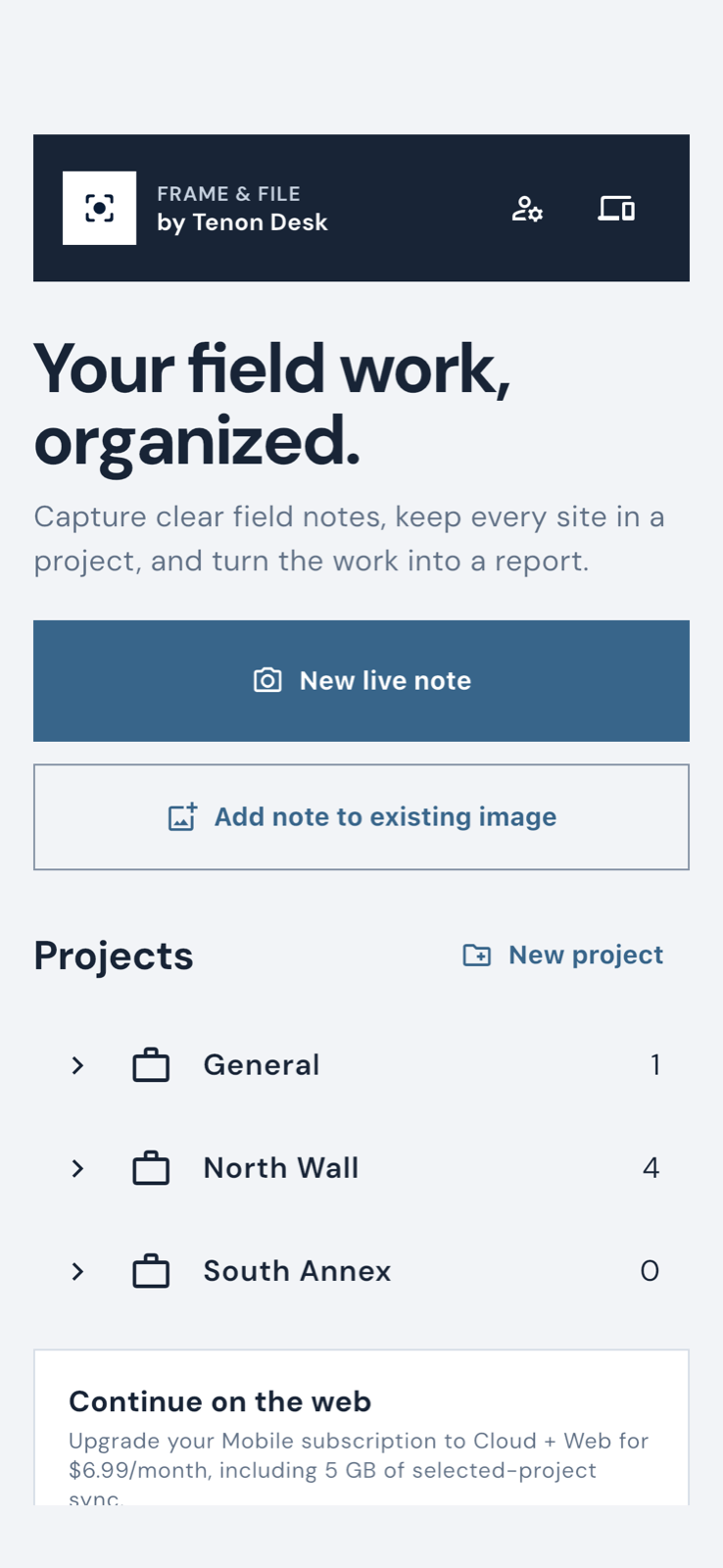
Frame & File keeps the photo, visible notes, location context, project structure, and report choices together.
Take a photo or choose one, then add captions, arrows, dimensions, location, direction, and map context.
Use sections and folders that match the work without forcing a rigid setup.
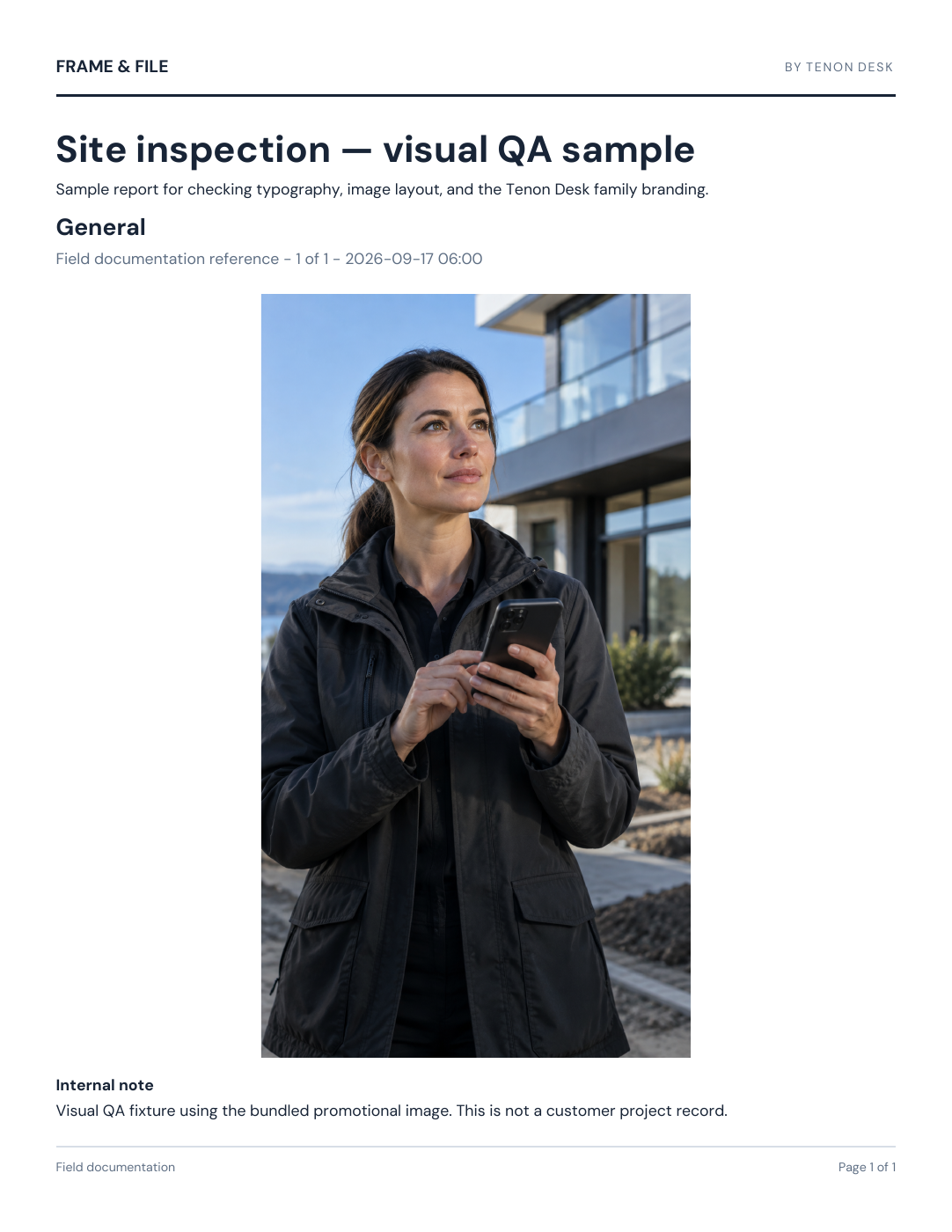
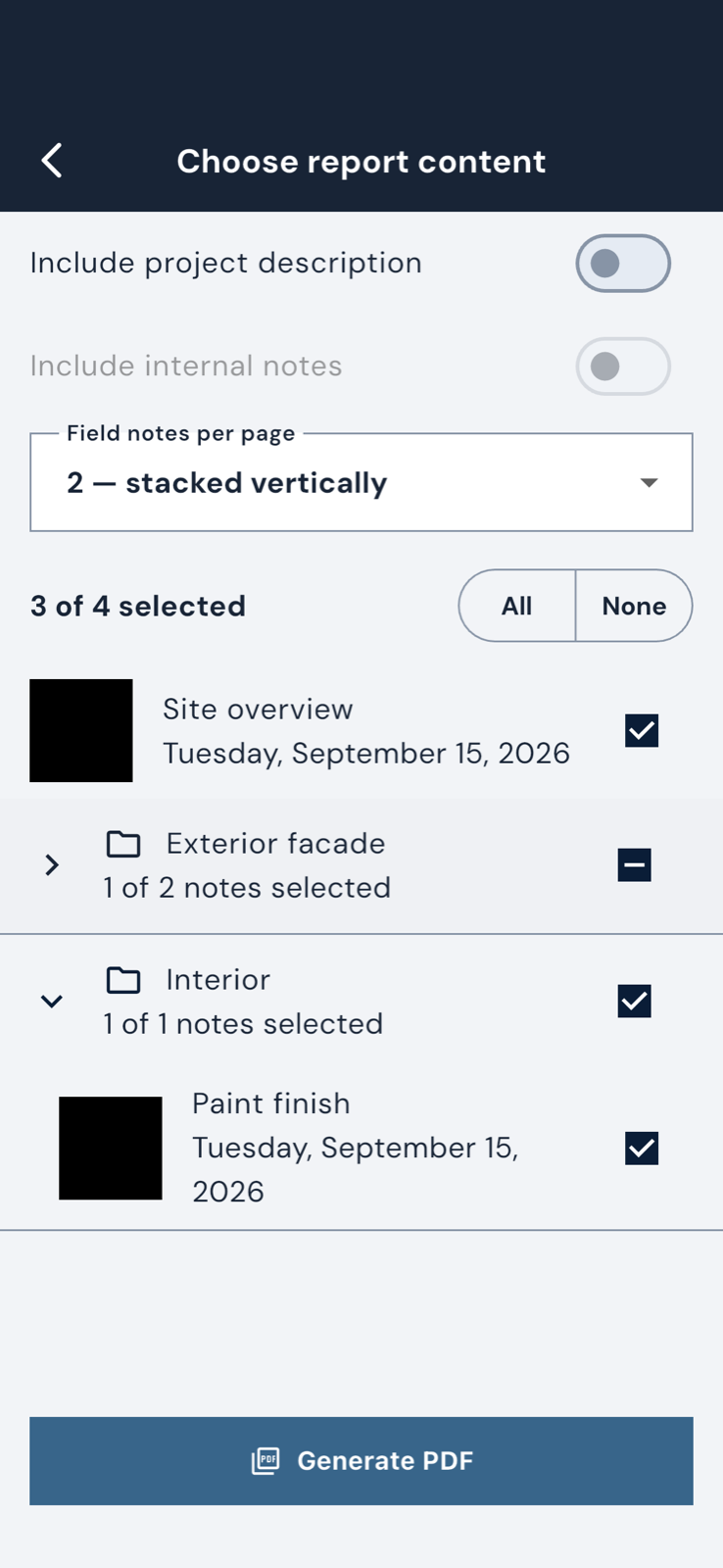
Choose notes, set the layout, and create a repeatable PDF with the source structure intact.
Start a live note, add detail to an existing image, or open the project you were already working in.
Useful whenever a camera roll is not enough.
Document conditions, room by room and elevation by elevation.
Record what you found, what changed, and what needs follow-up.
Build a readable history across sites, assets, and recurring visits.
Deliver organized evidence without assembling every report from scratch.
Available first on mobile
Final pricing and terms are shown by Apple or Google before purchase.
Mobile subscription includes:
Coming soon
Cloud sync and a larger-screen workspace are in development. The mobile app comes first, and your local workflow stays useful on its own.
Clear answers before you install.
Yes. The mobile app can keep your work local. An account will be needed for future cloud sync and browser access.
No. Frame & File keeps annotations reproducible so you can revise the record without altering the original photo.
Not yet. The mobile subscription launches first. Web and cloud features will follow as a separate expanded experience.
Manage or cancel it through the same App Store or Google Play account used to subscribe.
Build a field record that stays organized, editable, and ready to report.
Choose your store